
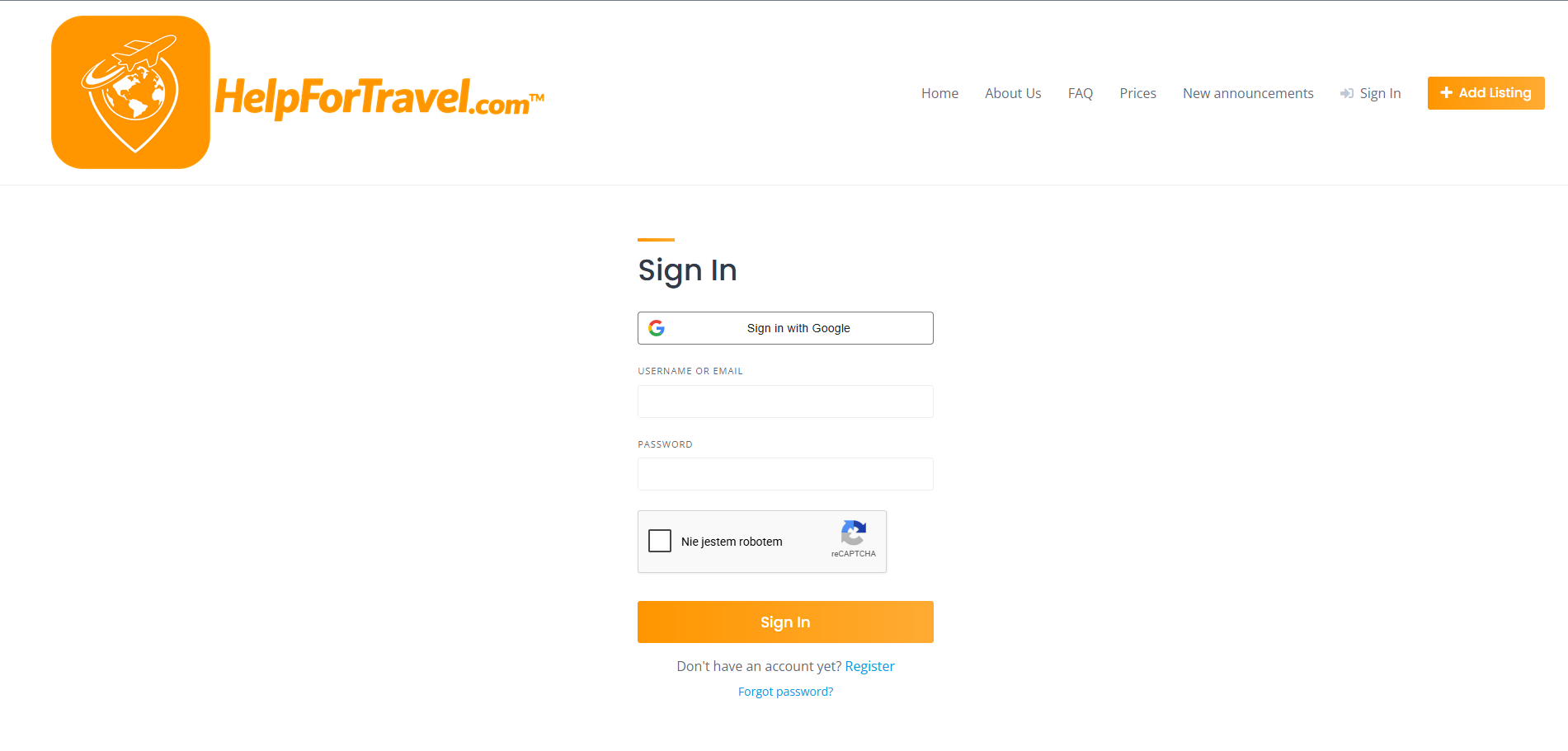
Click “Add Listing” and Sign In
Start by clicking the Add Listing button in the top right corner of the website.
You will be redirected to the login page, where you can sign in using your Google account or your email address.
If you don’t have an account yet, create one and confirm your email address to continue.
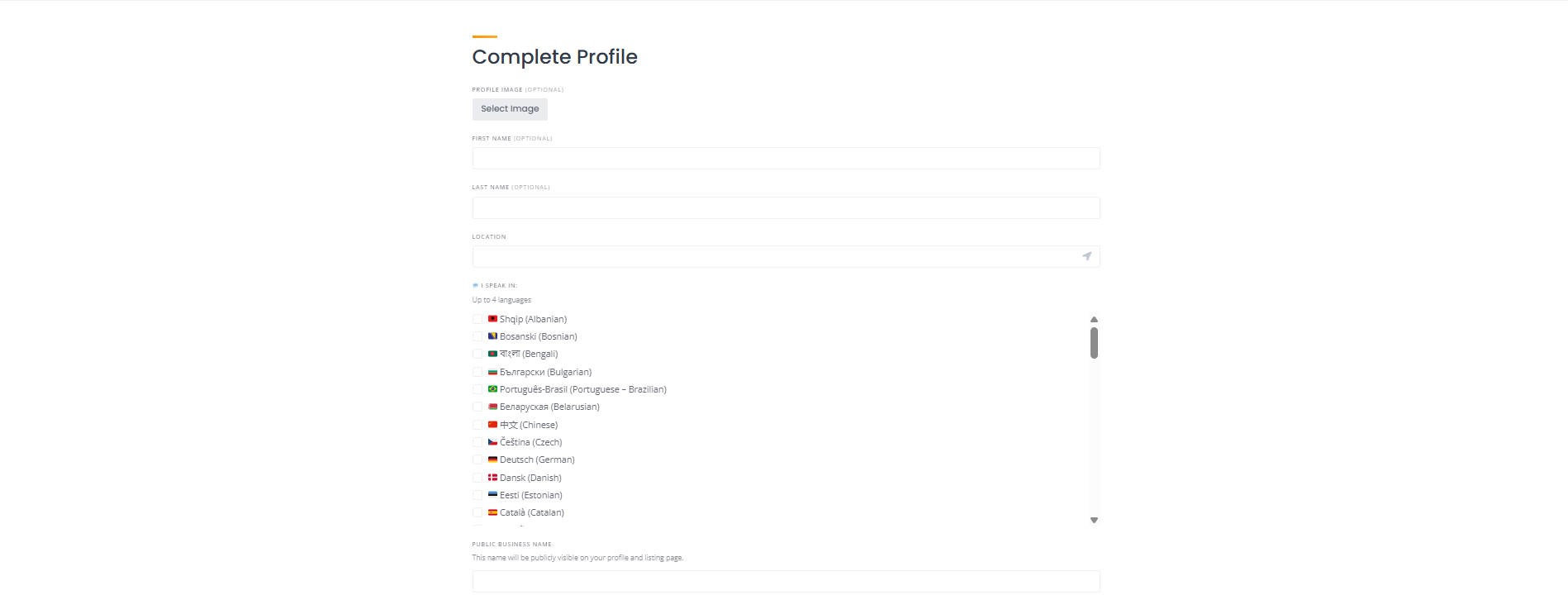
Complete Your Profile
After logging in, complete your profile by adding your basic information such as your name, location, and up to 4 languages you speak.
You should also set your Public Business Name, which will be visible to travelers.
A well-completed profile increases trust and makes your services more attractive.
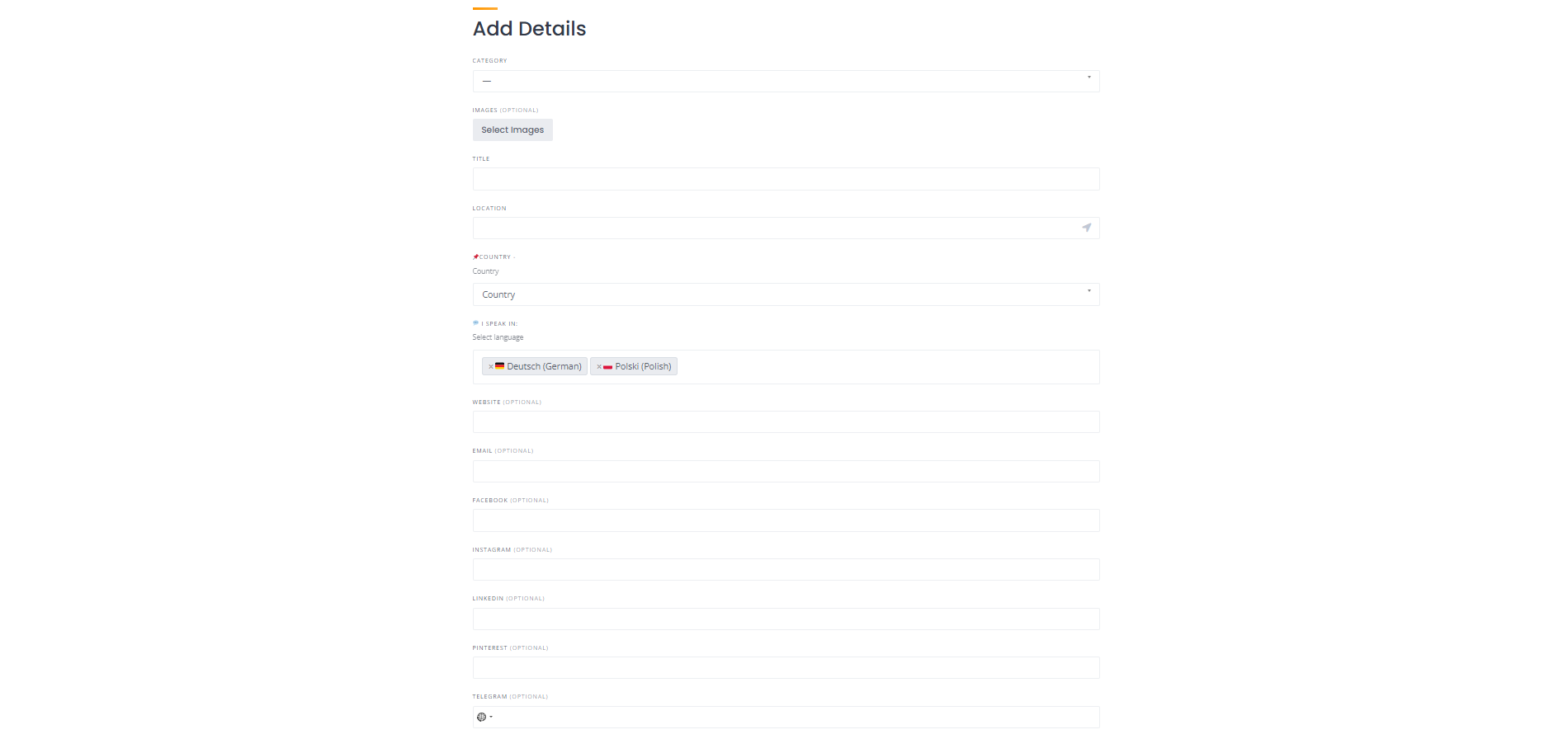
Add Listing Details
Select the appropriate category, add a title, and upload up to 10 images.
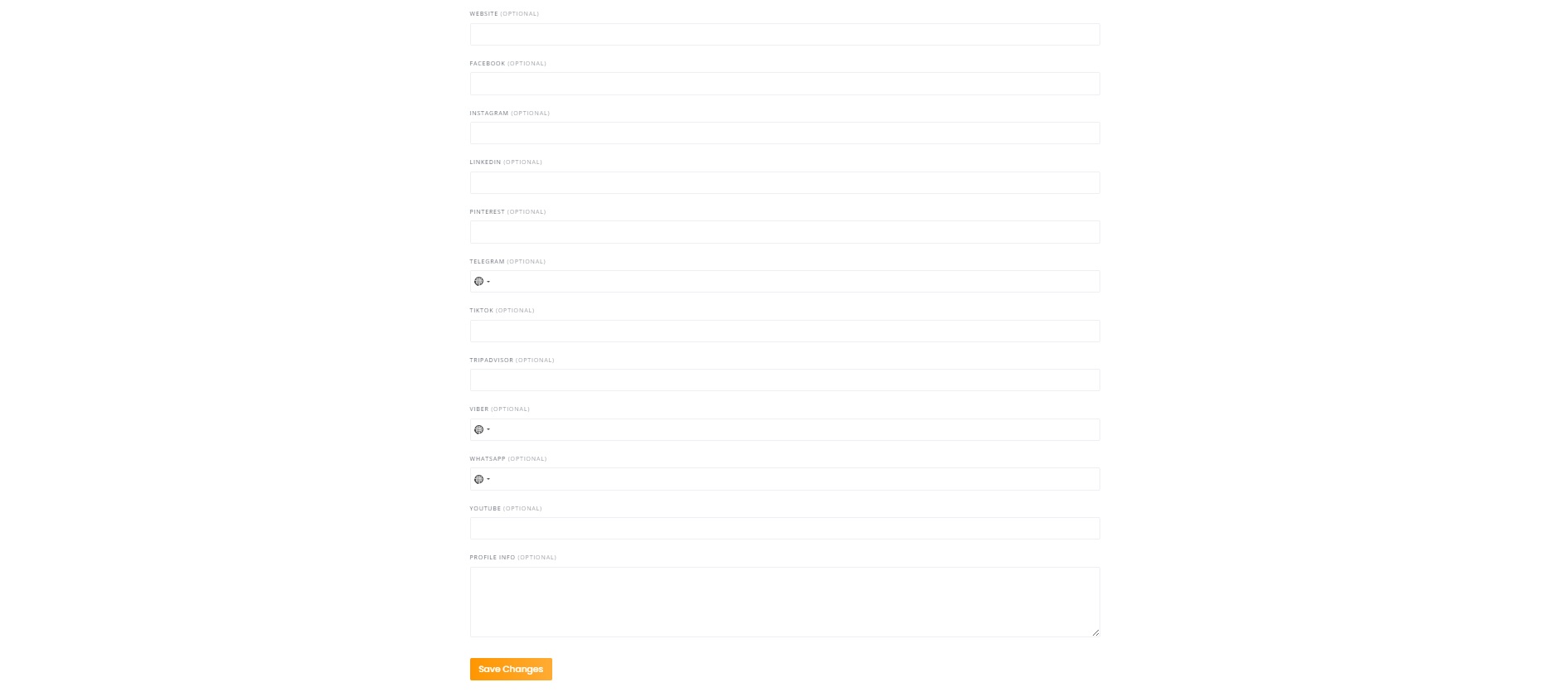
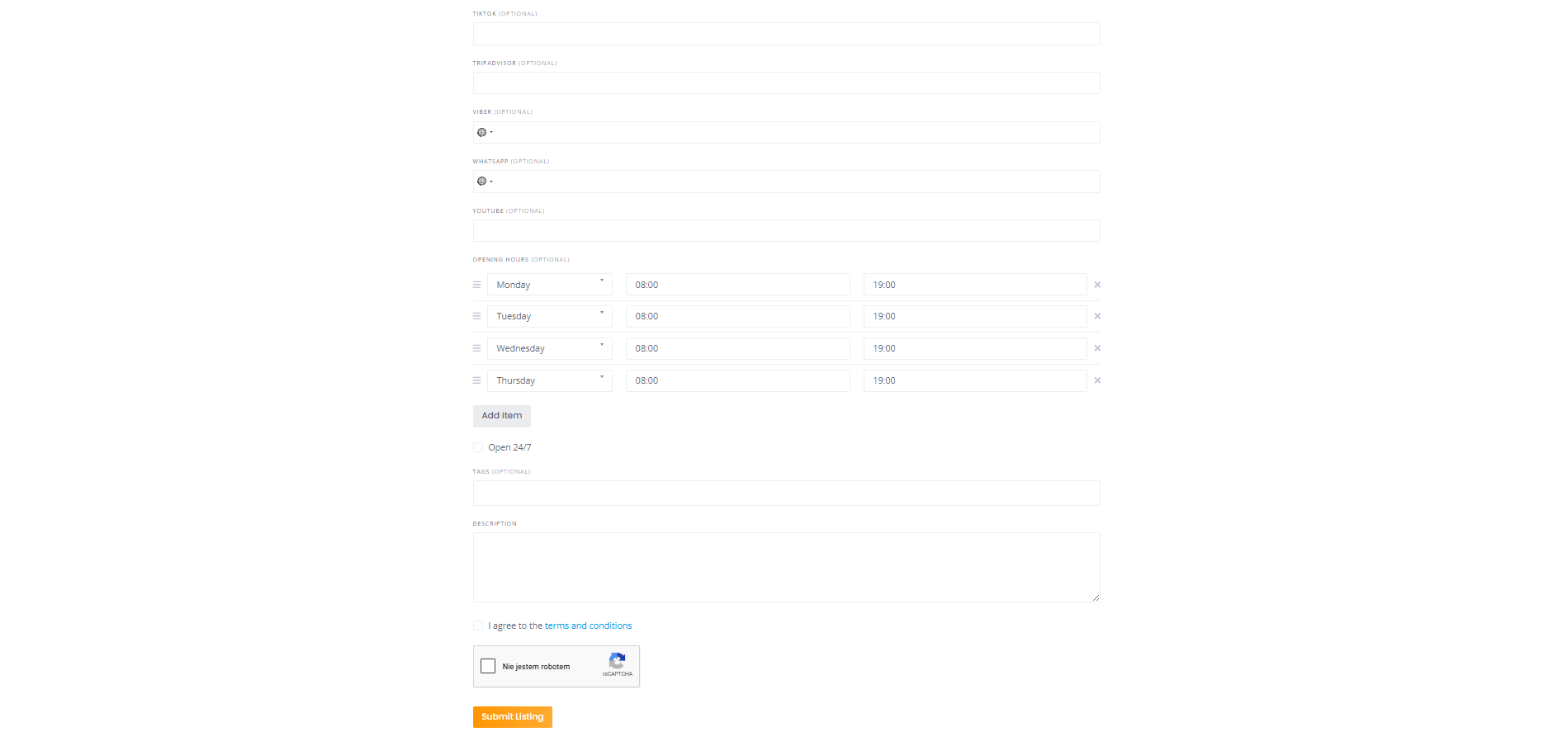
You can also add your social media and contact details such as website, email, Facebook, Instagram, TikTok, YouTube, Pinterest, LinkedIn, Tripadvisor, WhatsApp, Viber, and Telegram.
Add up to 5 tags related to your service to improve search visibility.
It is recommended to write your description in the languages you selected to reach more travelers.
Select Your Listing Package
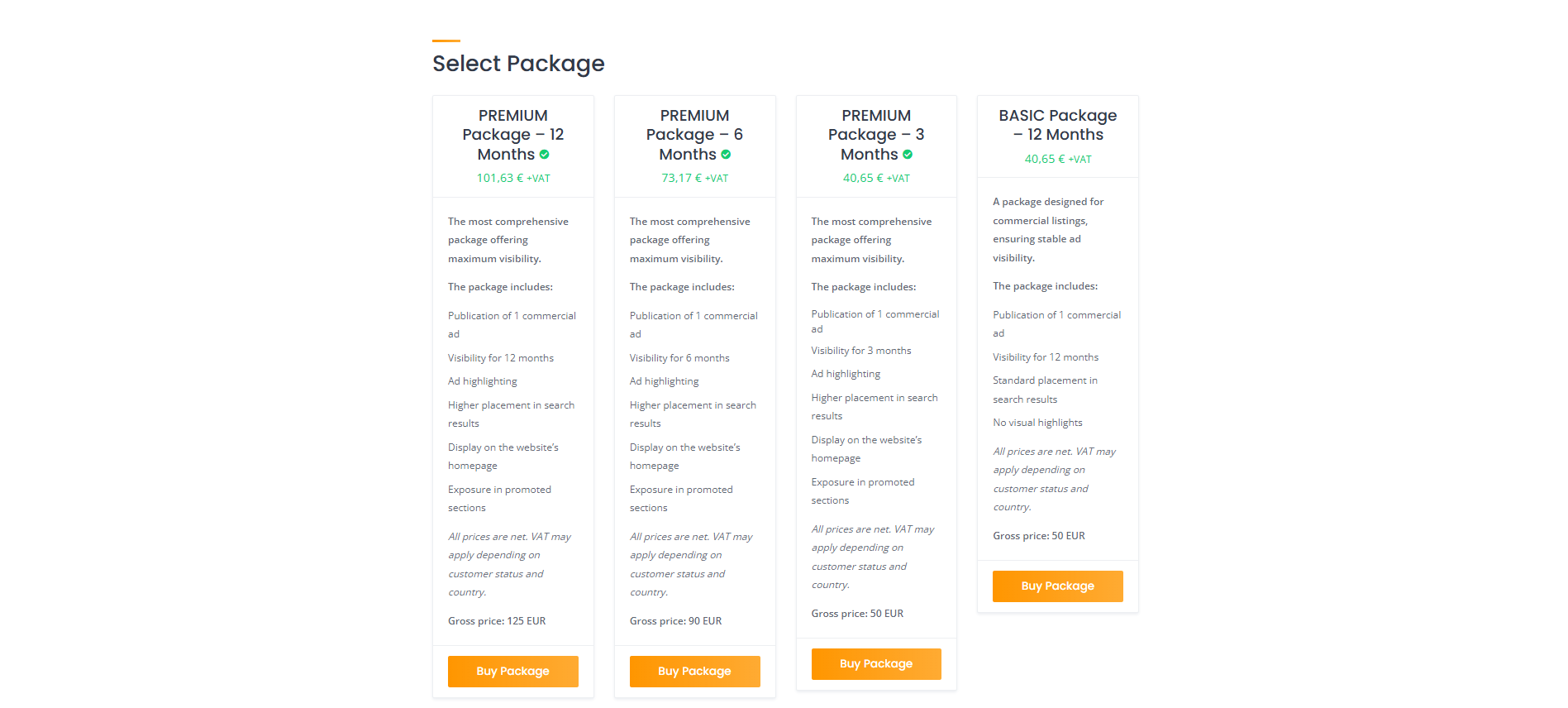
Choose the package that best fits your needs.
Basic is a great starting option, while Premium offers higher visibility and better positioning.
Choosing the right package increases your chances of getting more inquiries.

Complete Secure Payment
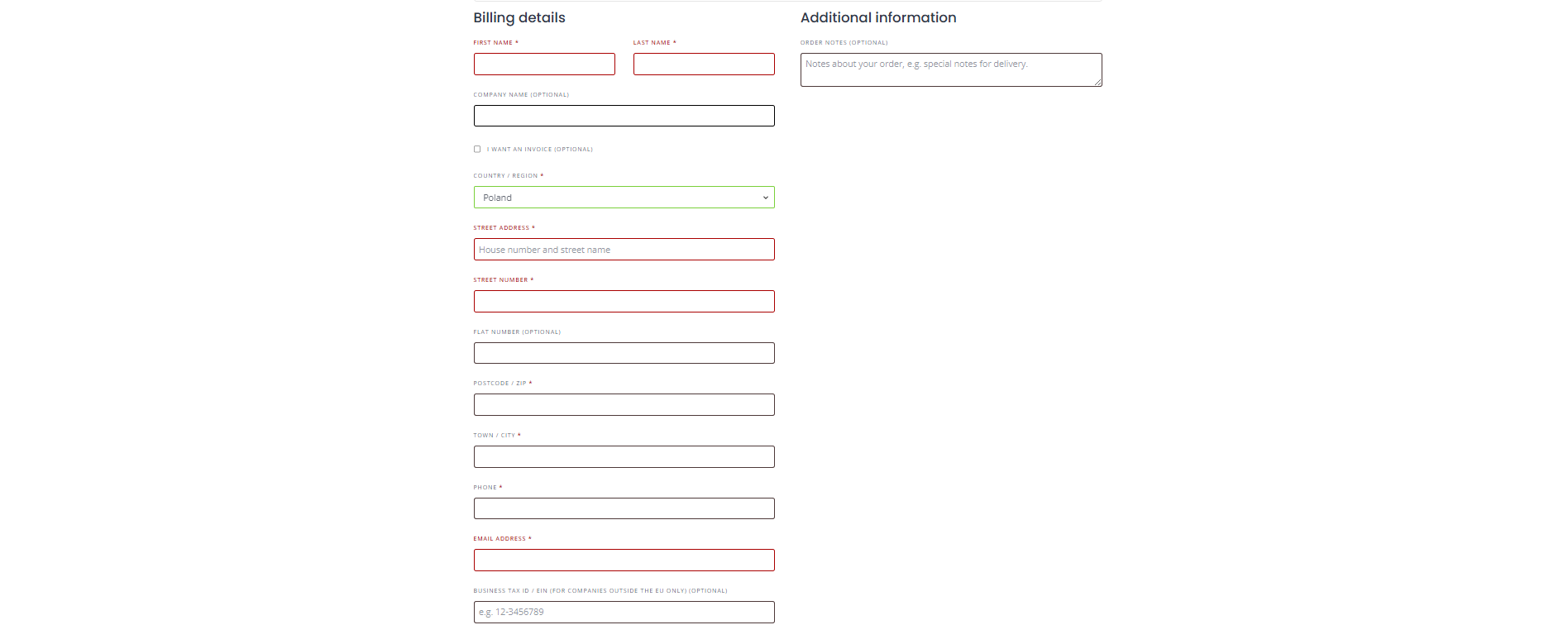
To activate your listing, complete the secure online payment.
You can apply a coupon code before purchase.
Individual customers: fill only required fields (*).
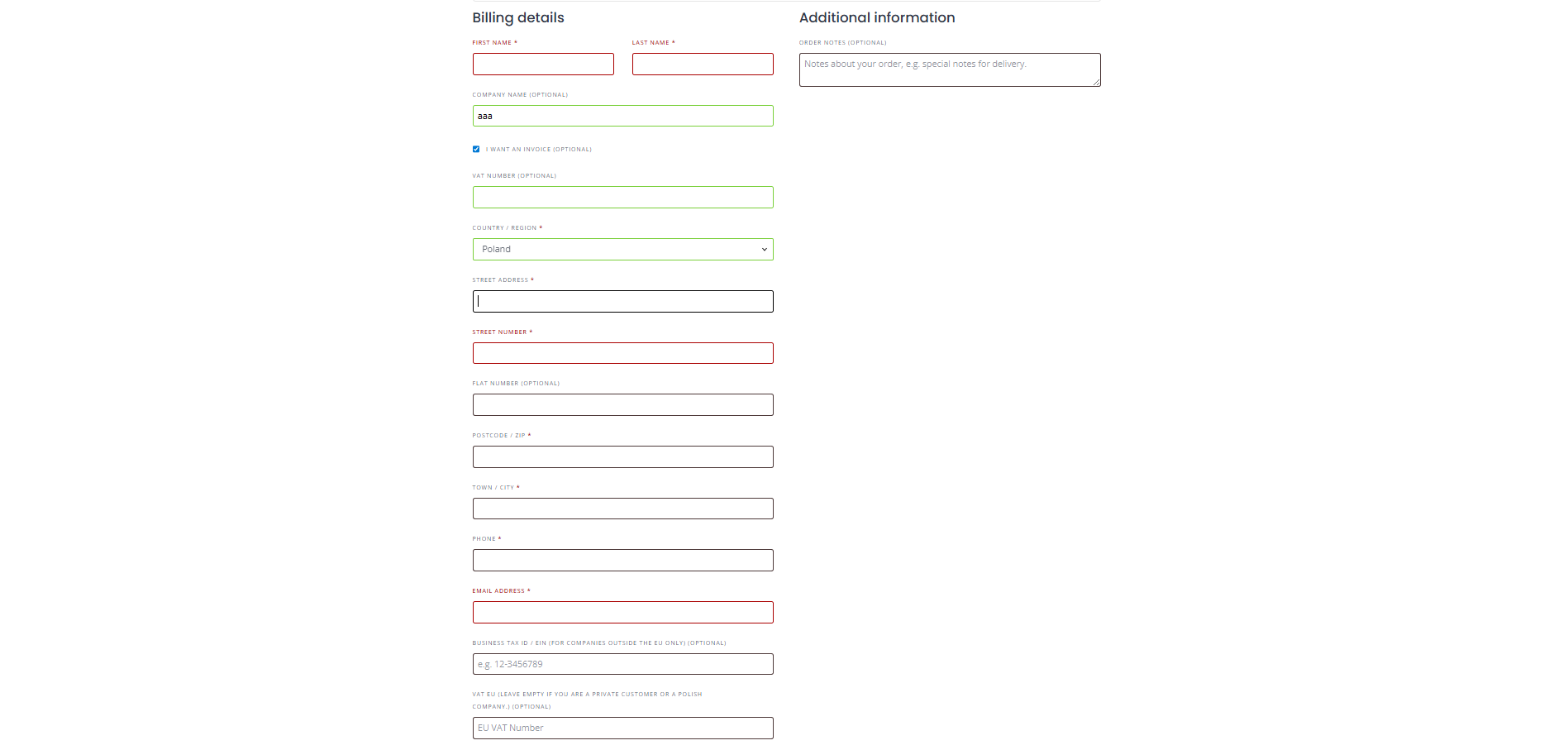
If you need an invoice, select “I want an invoice”.
Polish customers: enter your NIP once.
EU businesses: enter VAT in VIES field for 0% VAT.
Outside EU: use Business Tax ID / EIN.
EU & international: enter tax number twice.
Payments are securely processed by card.
After clicking “Place Order”, your listing will be activated and visible immediately.


Why service providers choose HelpForTravel
Connect directly with travelers worldwide without commissions or hidden barriers.
🌍 Global reach – 195 countries
🗣️ Language-based matching – 70+ languages
📞 Direct contact – no middlemen
⚡ Simple and fast setup
💼 Perfect for local providers